> For the complete documentation index, see [llms.txt](https://docs.cookie.community/cookie-dao/llms.txt). Markdown versions of documentation pages are available by appending `.md` to page URLs; this page is available as [Markdown](https://docs.cookie.community/cookie-dao/cookie.fun/cookie-snaps/campaign-specific-guides/pacifica-campaign-guide/guide-join-pacifica-via-the-cookie-ref-link.md).
# Guide: Join Pacifica via the Cookie ref link
Step-by-step guide on how to set up your account on Pacifica with the Cookie ref link.
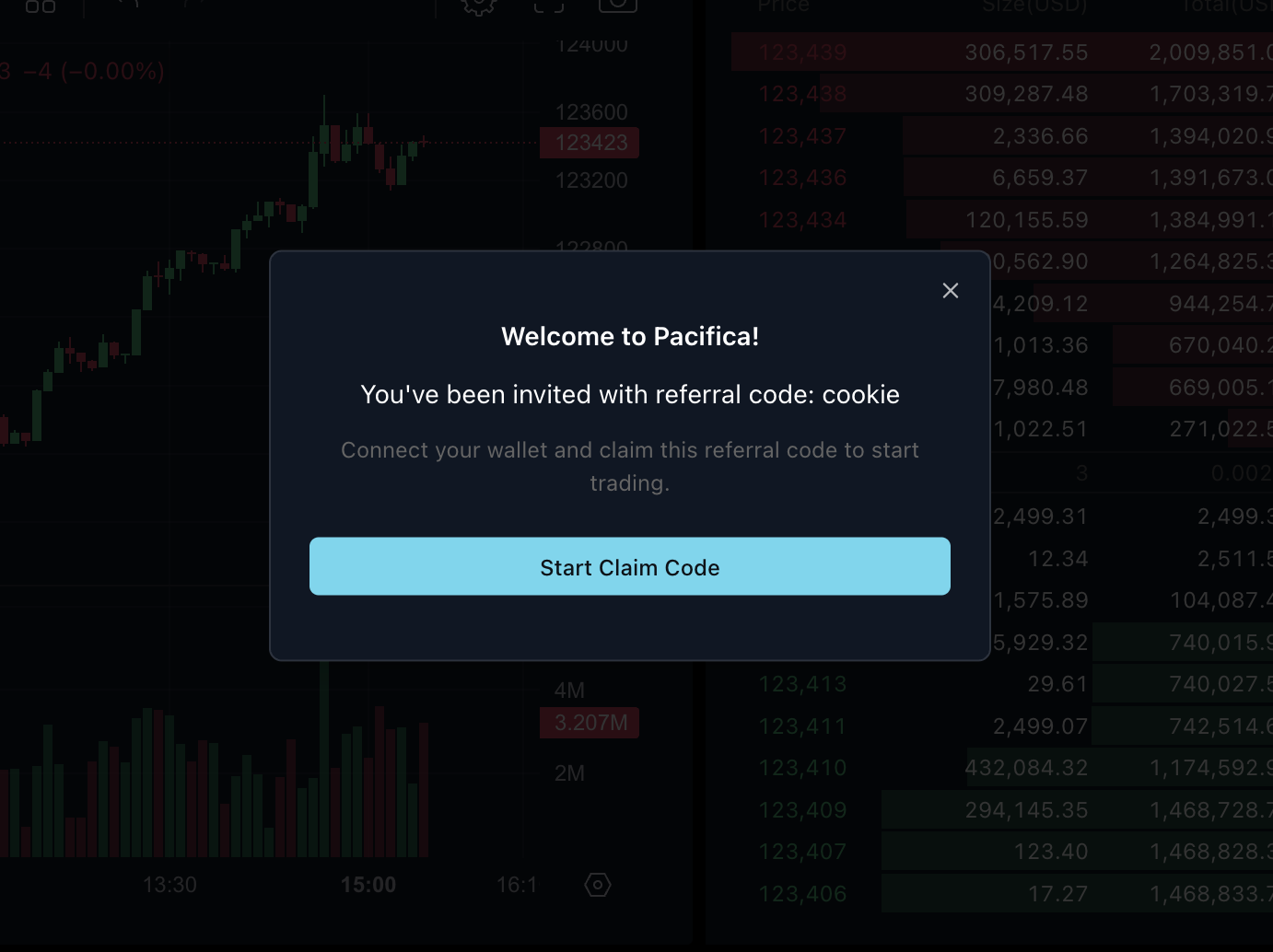
1. Click on the[ Cookie ref link](https://app.pacifica.fi?referral=cookie). You will be redirected to Pacifica and should see this modal. Click on “Start Claim Code”.
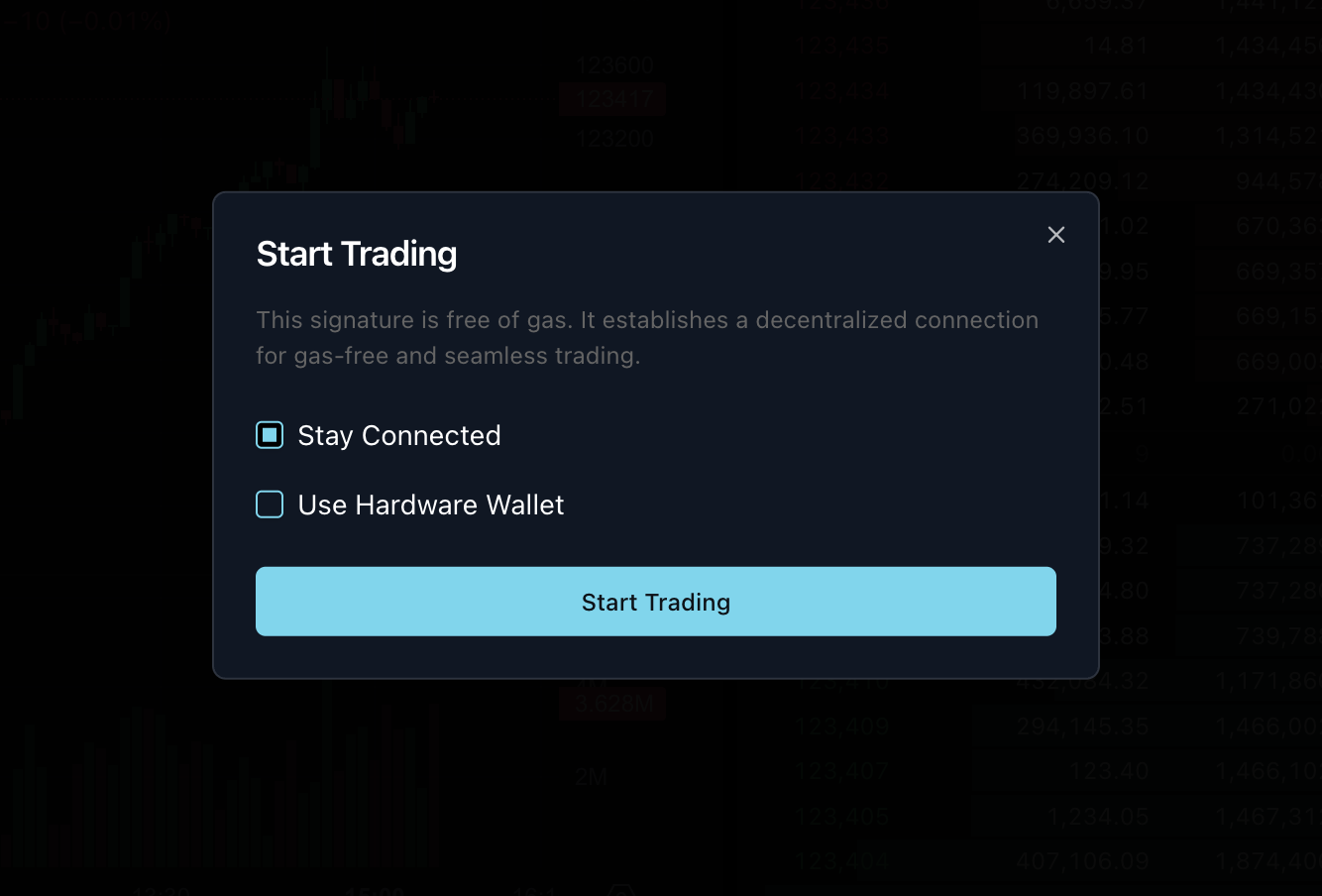
2. Choose which wallet you want to use. Click on “Start Trading”. You will be prompted to sign a gas-free signature via the chosen provider.
3. Once the transaction is signed, all you need to do is click on “Claim Referral code”.
4. You’re in – happy trading!